A DIGICAM FOR YOUR IPHONE
That digicam look.
Skip the eBay hunt.
Grainy, warm, a little off. You know the look.
Now it’s built into your iPhone camera.
24 films. Photos and video. No SD card.
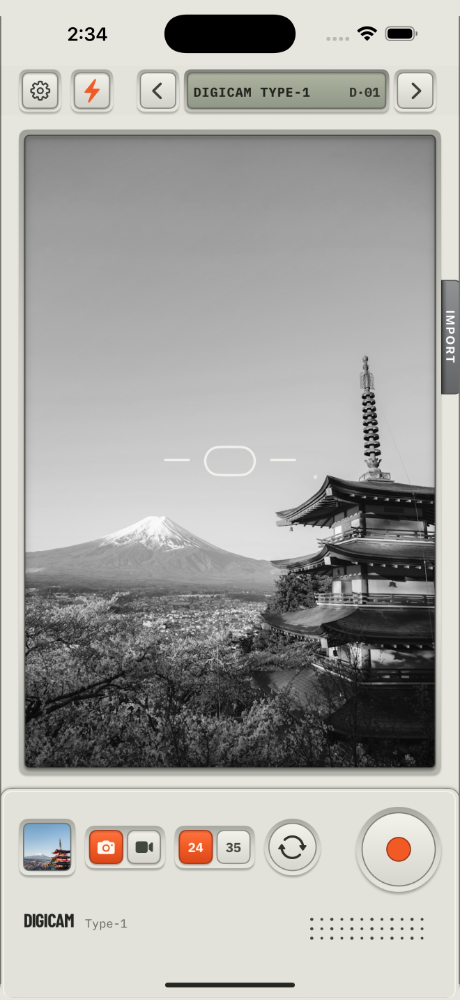
24 FILM LOOKS
Pick a film. That’s the whole edit.
Phone photos all look the same. Sharp, clean, a bit clinical. These don’t. Each film has its own color and grain. You see it in the viewfinder before you shoot. It works on video too, and on photos you already have. Drag the slider to see for yourself.
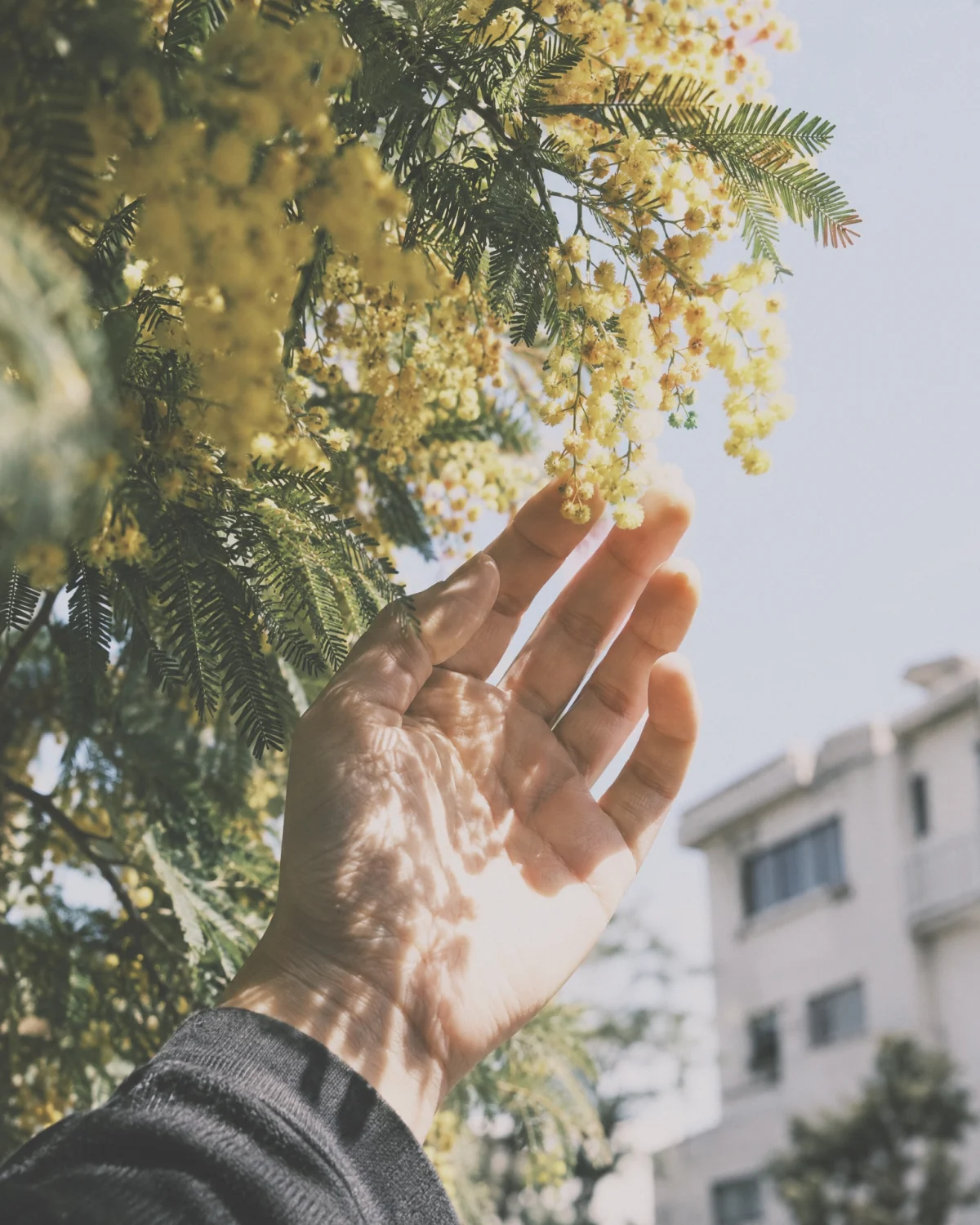
Golden hour, but all day.
Warm light, long soft shadows. Feels like walking home at six, any time of day.
One of 24 film looks.

Drag to compare
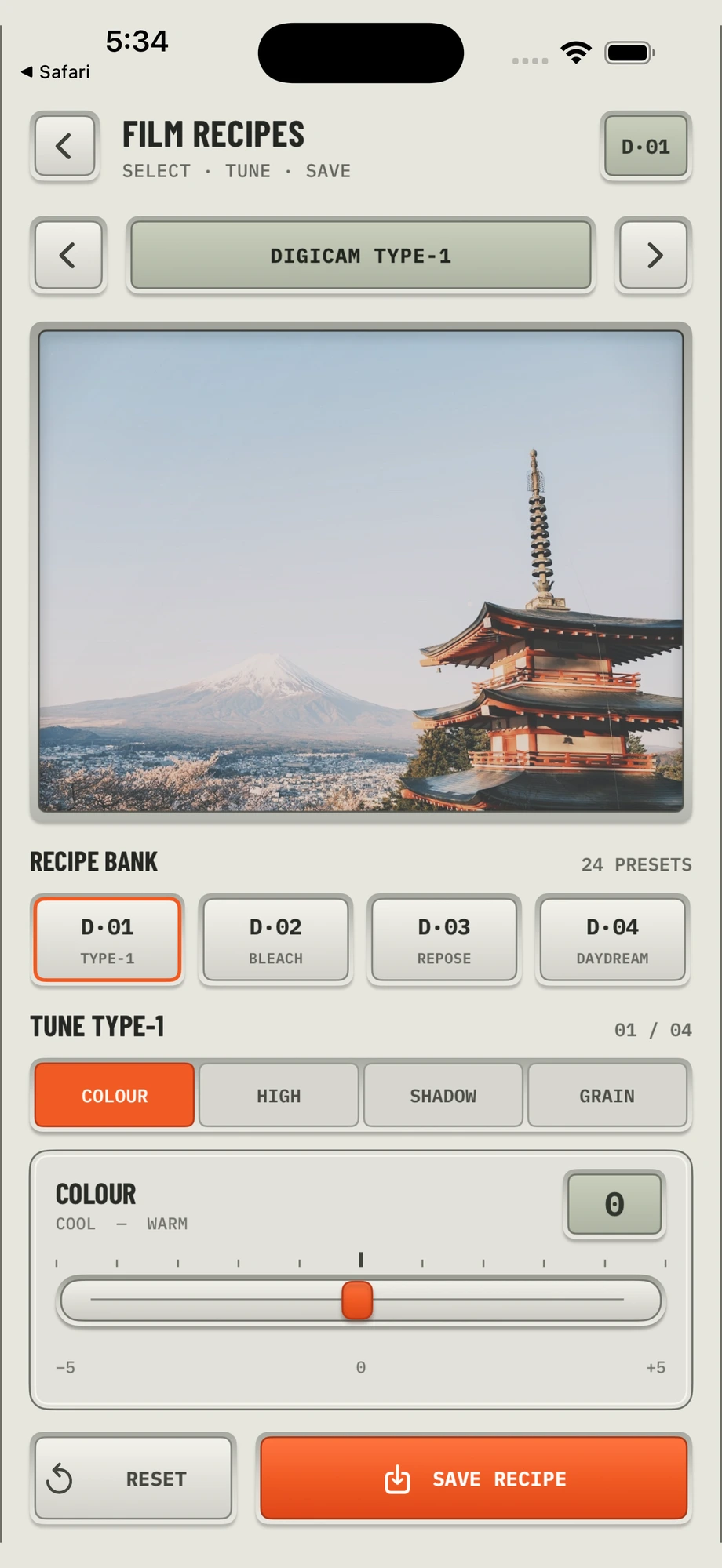
FILM RECIPES
Want it grainier?
Go for it.
Four sliders: color, highlights, shadows, grain. Move them until it looks right and hit save. From then on, that film shoots your way, right in the viewfinder. No editing app. No preset pack. Changed your mind? Reset puts it back.

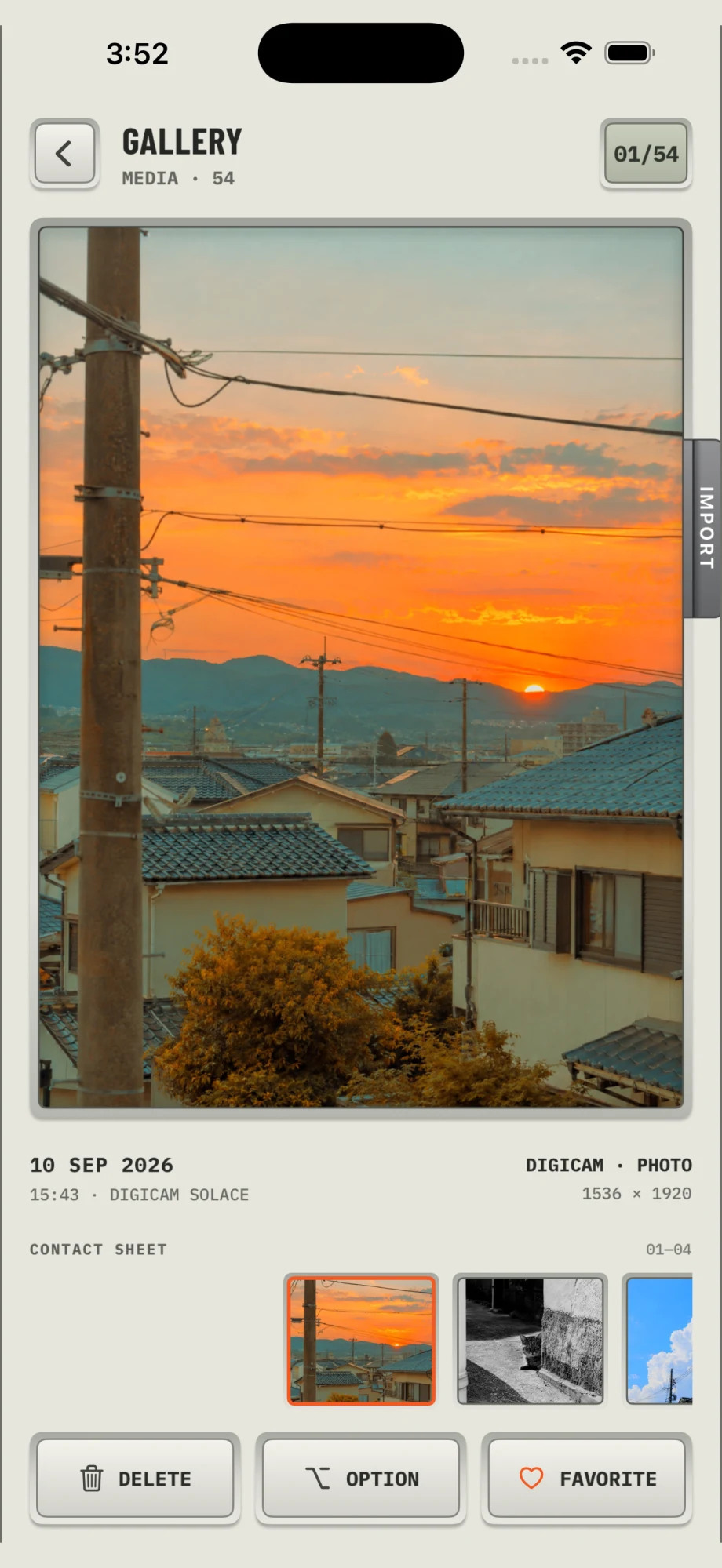
YOUR GALLERY
Your photo dump, ready to go.
Every photo and video you shoot, in one spot. Each one shows which film you used, so you can shoot more like it.

Digicam Type-1
Okay, go shoot something.
Pick a film, point, shoot. It’s already in your camera roll.
Made for iPhone. Everything stays on your phone. No account, no uploads, no SD card.